Live Speedometer Online: Track Your Real-Time Speed With GPS
Check your real-time speed instantly using our free GPS speedometer online tool. Measure current speed in MPH and KM/H for cars, trains, bikes, buses, and more.
- Accurate GPS Tracking
- Real-Time Speed Detection
- MPH & KM/H Support
- Works on all Mobile Devices
Real Time Speed
Measure Your Speed in Real Time
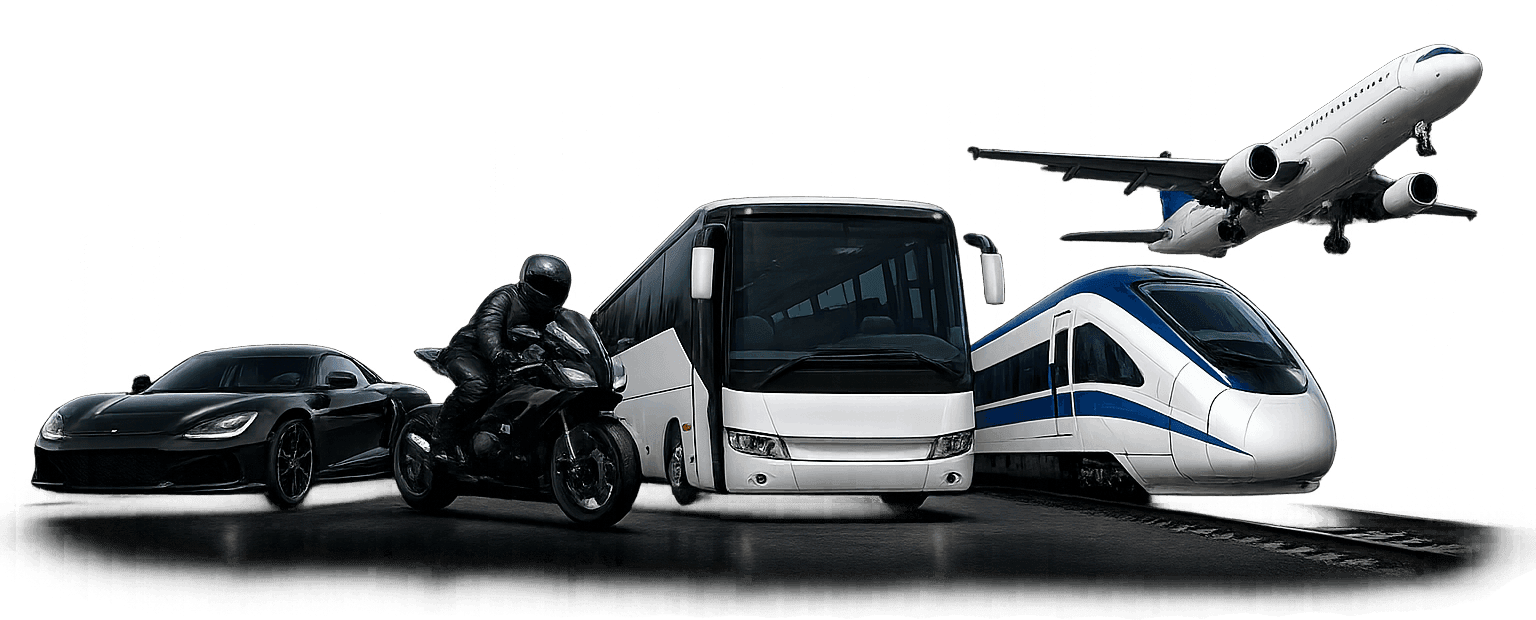
Use our live GPS speedometer to instantly check your current speed for cars, bikes, trains, buses, and other moving vehicles. Get real-time speed updates directly in your browser with no app installation or account required.
Live Speed Tracking
Get real-time speed updates using your device's GPS while you're moving.
Works on Many Vehicles
Check speed while traveling by car, bike, motorcycle, bus, train, or other moving vehicles.
No Installation Needed
Open the speedometer in your browser and start measuring your speed without installing an app.
GPS-Based Speed Data
Use GPS location data to get a real-time estimate of your current speed while traveling.
Simple & Clean Interface
Easy-to-use design that keeps your current speed clear and easy to read.
Use Anywhere, Anytime
Access the online speedometer from your phone, tablet, or desktop browser whenever you need to check your speed.
GPS Speedometer
Track Your Real-Time Speed With GPS
If you want to know how fast you're moving—whether you're driving a car, riding a motorcycle, traveling by train, cycling on a bike, or riding a bus—our live speedometer online gives you a real-time speed reading using your device's GPS.
There's no app to install and no account to create. Open the online speedometer in your browser, allow location access, and your current speed appears on screen in MPH or KM/H, updating in real time as you move.
How it works
How the Online Speedometer Works
Our online speedometer uses GPS and your device's location capabilities to estimate your current speed while you are moving. When you allow location access, your device receives positioning information and the speedometer uses successive location readings to determine how quickly your position is changing.
GPS is a satellite-based positioning system. GPS satellites broadcast signals containing information about their position and precise time. A GPS receiver uses signals from multiple satellites to determine its position and time on Earth.
Once your device has suitable location data, the speedometer can calculate your movement over time and display an estimated live speed directly in your browser. In simple terms:
Speed = Distance ÷ Time
This is why a GPS speedometer can work independently of your vehicle's wheel sensors. Whether you're traveling by car, bus, train, motorcycle, or bike, the underlying GPS positioning process is the same.
What You'll See on Screen
Current Speed
See your estimated speed while you are moving.
Maximum Speed
View the highest speed recorded during your current session.
Distance Traveled
Track the approximate distance covered while the speedometer is running.
km/h, mph, m/s & Knots
Choose the speed unit that works best for you.
Analog & Digital Display
Switch between the existing dial-style analog display and digital speed display.
Speed Alerts
Set a maximum speed and get an audible alert when your current speed reaches or exceeds your chosen limit.
Learn more about how the GPS satellite system works at GPS.gov.
Getting started
How to Enable Location Access on Your Phone
If the widget shows “Location permission denied”, turn on location access in four quick steps.
- Step 1
Turn on location
In your phone's settings, make sure Location (GPS) is switched on before you continue.
- Step 2
Open the site permission
Tap the lock or info icon next to the address bar at the top of your browser.
- Step 3
Allow location access
Find “Location” in the permissions list and switch it to Allow.
- Step 4
Refresh the page
Reload this page and press Start — your live speed will start updating.
Steps shown for Chrome — the exact icons and menu names vary slightly by browser.
Uses
Who Uses an Online GPS Speedometer
People reach for a GPS speed tool for a surprising range of reasons—most of them practical rather than casual curiosity:
Drivers
Use it to sanity-check a dashboard speedometer that feels off, especially after fitting different-sized tyres, which is a common cause of speedometer drift.
Car speed test →Cyclists and runners
Use it as a lightweight alternative to a dedicated GPS watch when they just want a quick speed reading mid-ride.
Bike speed test →Train passengers and rail enthusiasts
Use it to see how fast a service is actually running, which is often more interesting than it sounds once you're on a high-speed line.
Train speed test →Commuters
Use it out of simple curiosity about how fast their bus is moving through traffic versus how fast it feels.
Bus speed test →Motorcycle riders
Use it to check for speedometer drift after a sprocket, chain, or tyre change — a bigger factor on two wheels than in a car.
Motorcycle speed test →
GPS speed tracking tools
Vehicle Speed Test (All-in-One)
Accuracy
Why GPS Speed Can Differ From Your Dashboard
If you compare a GPS reading to your vehicle's built-in speedometer, don't be surprised if they don't match exactly. This isn't a flaw in either system—it's a known, well-documented gap:
| Factor | Effect on Reading |
|---|---|
| Tyre Size or Wear | Dashboard speedometers are calibrated to factory tyre dimensions. Worn, oversized, or replacement tyres can affect the displayed speed. |
| Manufacturer Calibration | Most vehicle speedometers are legally designed to read slightly higher than the actual speed as a built-in safety margin. |
| GPS Signal Quality | Tall buildings, tunnels, mountains, and dense tree cover can temporarily reduce GPS accuracy and affect speed readings. |
| Device GPS Chip Quality | Older smartphones, tablets, or laptops may refresh GPS data less frequently than newer devices, resulting in slower or less precise speed updates. |
In open conditions with a clear sky view, GPS speed is generally considered highly accurate—often more precise than a factory speedometer, which is one reason GPS-based speed data is trusted in fitness tracking and vehicle telematics.
Tips
Getting the Most Accurate Reading
- Use the tool outdoors or near a window with a clear view of the sky
- Give the GPS a few seconds to lock onto satellites before trusting the first reading
- Keep your device relatively still in its mount rather than handheld and moving independently
- If you're in a vehicle, mount your phone rather than holding it—both for accuracy and for safety
FAQs